Product desciption
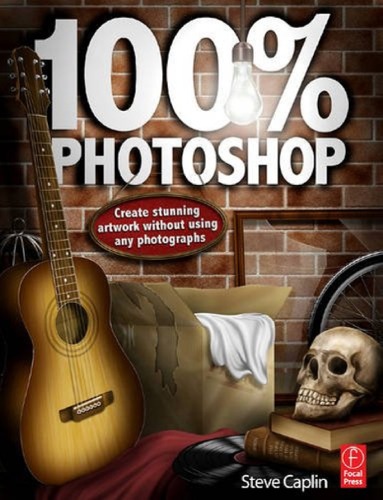
100 Photoshop Create Stunning Illustrations Without Using Any Photographs Caplin by Caplin, Steve, Author instant download after payment.
1 online resource (250 pages) :, Just when you think you've learned all that you could ever know about working in Photoshop, digital artist and photomontage king Steve Caplin comes along with yet another masterful method for creating incredible works of art in Photoshop. This time, he'll show you how to create complete images, from start to finish, entirely within the software program. No source material, photographs, or existing files from other software packages are needed, saving you valuable time and resources. The techniques you'll learn in this ground-breaking new book will help you combine your artistic vision and skills with an understanding of how to manipulate the built-in Photoshop filters to produce impressive, eye-catching artwork. Each chapter opens with a complete double page illustration, created entirely in Photoshop. Then, carefully laid out step-by-step instructions show you how each element in the illustration is created, and how they are all combined in the end to make a convincing final image. Using Steve's proven methods for success, you'll be able to produce images that reflect a more finely crafted, hand drawn approach, whether you're an artist for your own enjoyment or a working professional looking for a leg up on the competition, Chapter 1: Textures: Using Clouds, Noise, Blur, Fibers to create basic texture -- Texture creation: paper, wood, stone, and metal -- Chapter 2: Setting the Scene: Hallway -- door, light, glass, gold text, shadows, metal handle, layer masks -- Chapter 3: The Great Outdoors: trees, grass, leaves (custom brush design), water and reflections, clouds, sky, mountains -- Chapter 4: In the Attic:LPs, cardboard boxes, guitar, cork boards, beams, brick walls, assorted items -- Chapter 5: To Boldly Go: Space scene with stars, planets, aurora, spaceship, alien -- Chapter 6: Treasured Possessions: Desk drawer with jewelry, letters, sealing wax, pens, magnifying glass, pencils, rubber stamp, folder with coffee stains --…