Most ebook files are in PDF format, so you can easily read them using various software such as Foxit Reader or directly on the Google Chrome browser.
Some ebook files are released by publishers in other formats such as .awz, .mobi, .epub, .fb2, etc. You may need to install specific software to read these formats on mobile/PC, such as Calibre.
Please read the tutorial at this link: https://ebookbell.com/faq
We offer FREE conversion to the popular formats you request; however, this may take some time. Therefore, right after payment, please email us, and we will try to provide the service as quickly as possible.
For some exceptional file formats or broken links (if any), please refrain from opening any disputes. Instead, email us first, and we will try to assist within a maximum of 6 hours.
EbookBell Team
4.4
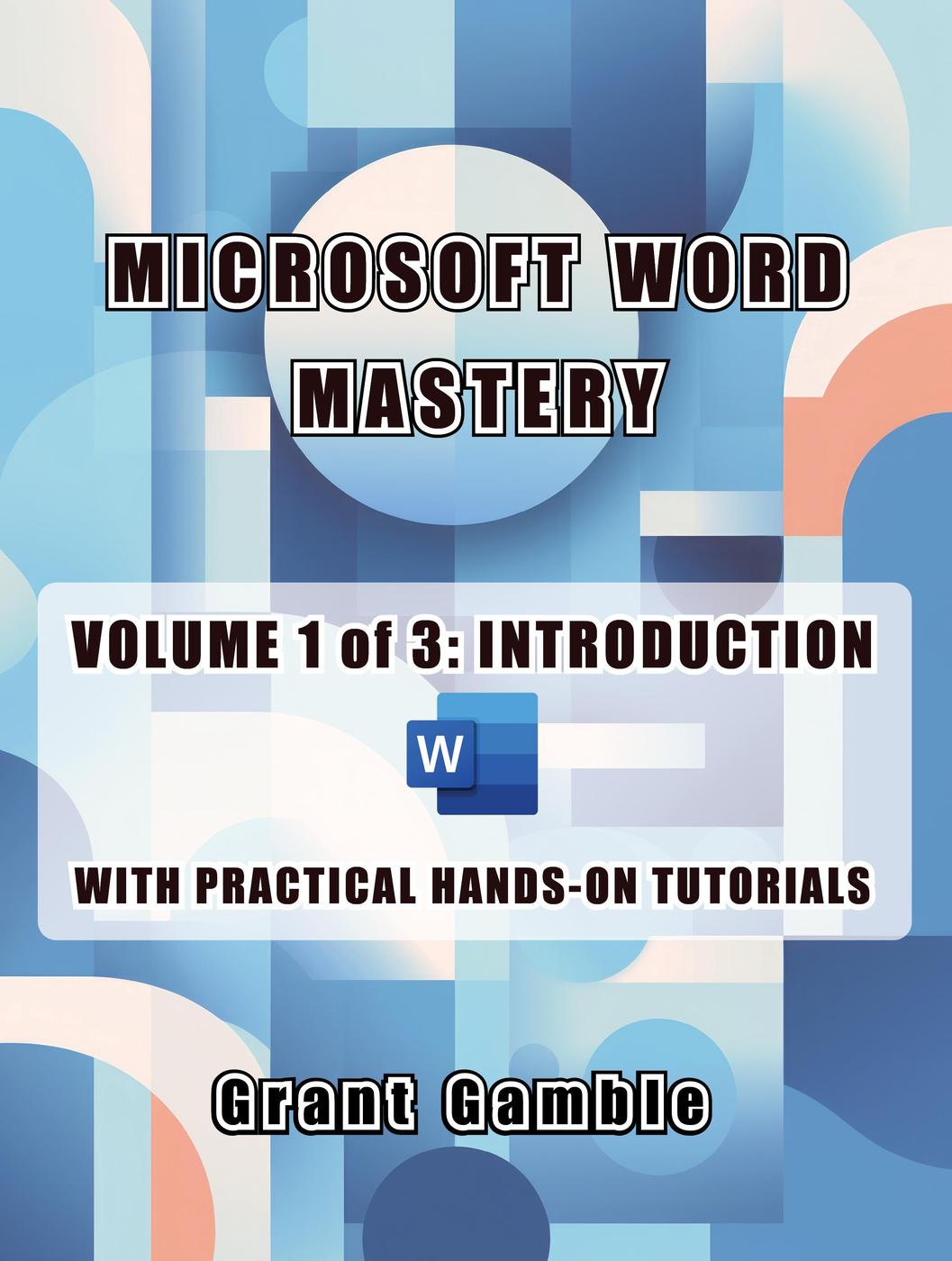
12 reviewsHands-On Learning: We believe in learning by doing. Each chapter is brimming with step-by-step "Quick Practice" exercises that reinforce your understanding of the topics covered. No more theory-heavy, dull learning. Get ready to roll up your sleeves and experience Word in action.
Master the Essentials: Dive into the heart of Word and discover its rich history, get acquainted with the latest features, and effortlessly navigate its user-friendly interface. This book lays the foundation for your Microsoft Word journey.
Craft Perfect Documents: Whether you're a student, professional, or just someone who loves creating documents, this book equips you with the essential skills. Learn to create stunning documents from scratch or utilize templates to kickstart your projects.
Text and Formatting Brilliance: Discover the magic of formatting text with fonts, sizes, colors, and styles. Master the art of paragraph formatting and take control of alignment, line spacing, and indents with confidence.
Style and Themes: Elevate your documents with styles and themes that make your work stand out. Explore the world of headers and footers to give your documents a professional touch.
Practical Content: We don't just tell you what to do; we show you how to do it. Explore case studies like creating cover letters, memos, and press releases, and apply your newfound knowledge in real-world scenarios.
Table Mastery: Learn to create basic tables to organize your data effectively, and then take those skills to the next level in the intermediate and advanced volumes.
Save, Export, Print: Understand the ins and outs of saving your work, exporting it in various formats, and perfecting your prints. No more document disasters!